
How do I add custom settings to the calendar?
Do you want a different price, a different length of stay, or different arrival and departure days for a specific period? Then use a custom setting in the calendar.
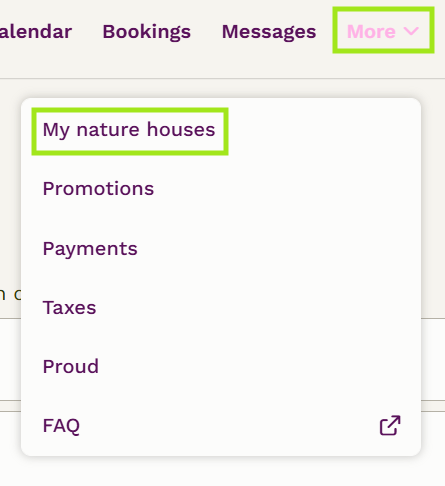
1. In your host overview, select 'More' and ‘My nature houses’ for the relevant nature house.
2. Click 'Change' for your listing.

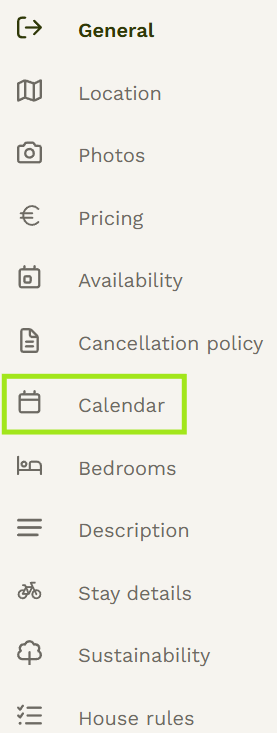
3. Click 'Calendar' in the menu on the left.
-
4. Click 'Configuration' above the calendar.

A day or period that is white is available at your base price. Here's how to create a custom setting:
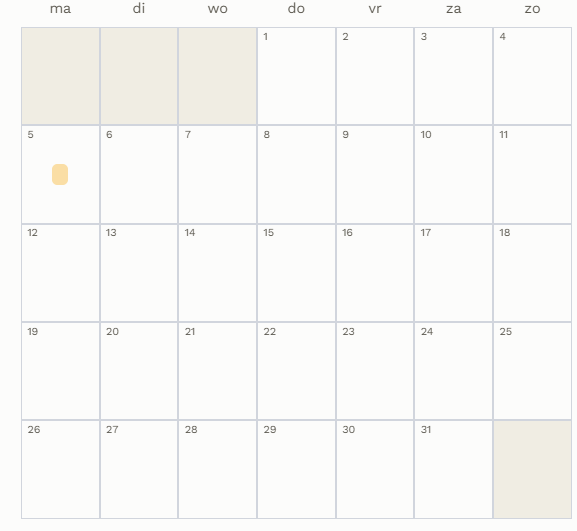
5. Click the start date (the first day of your custom setting). The selected day turns yellow.
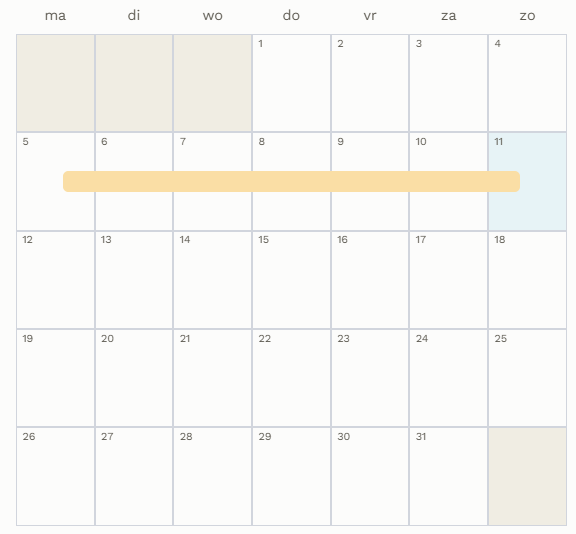
6. Click the end date (the last day of your custom setting).
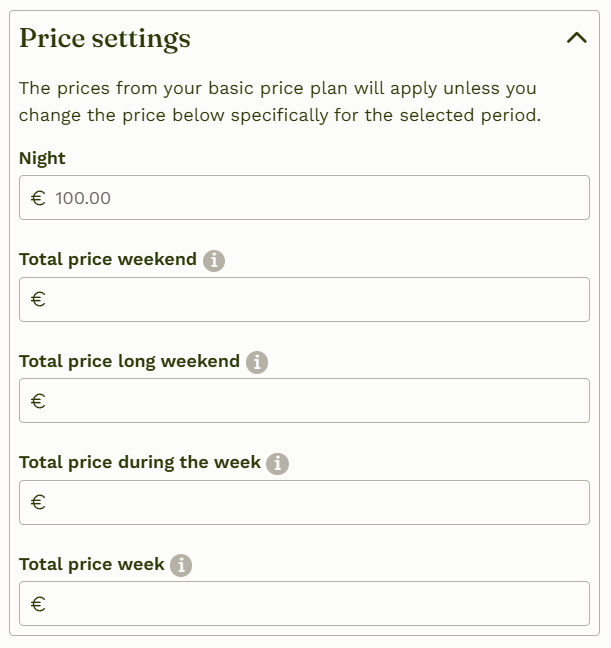
7. Click 'Price settings'. The light grey amounts are your base prices. Fill in the boxes for which you want a different price; the boxes you leave empty will keep the base price.
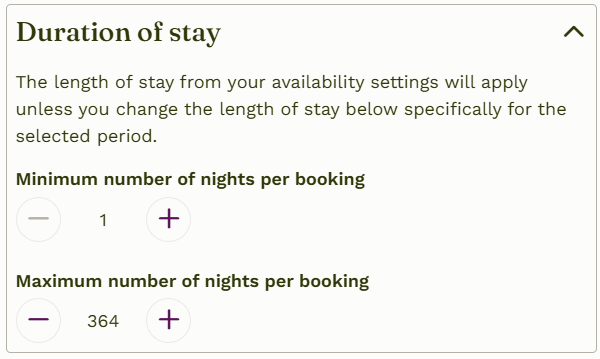
8. Do you also want a different minimum or maximum length of stay? Click 'Duration of stay' and enter the number of nights.
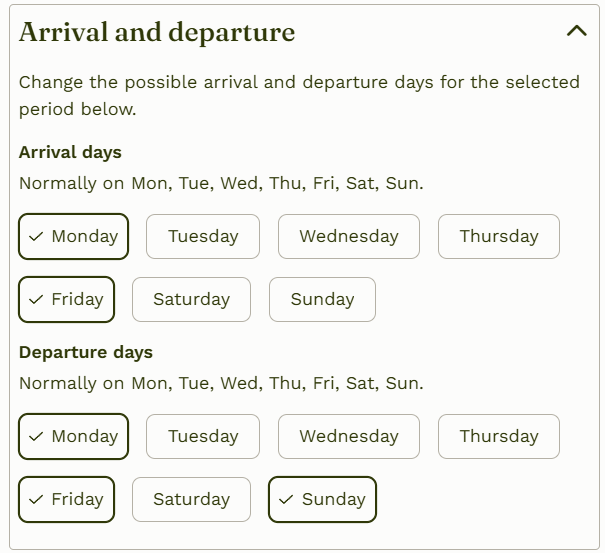
9. Do you want different arrival and departure days for this period? Then only check the days you want.
10. Click 'Save'. A yellow line will appear in the calendar on the days with a custom setting.
How do I enter my prices for next year?
Guests often book their vacation early for the following year. So keep your price plan and calendar up to date to avoid missing out on bookings. Your base price applies for the whole year, unless you set a different price in the calendar. A separate base price per year is not possible; for a different year, you therefore use the Configuratie in the calendar. Three situations:
Do you use one price for the whole year and will it stay the same next year? Then you don't need to do anything. You'll automatically be bookable at the correct price.
Do you use one price for the whole year, but want to change it next year? Then enter a period in the calendar under 'Configuratie' from 1 January through 31 December of the following year with the desired price.
Do you work with different seasons? Then re-enter all seasons for the following year via the calendar. If your current base price doesn't apply for next year, set different prices for the whole year.