
How does the calendar work?
Everything about your availability: the calendar, blocking and unblocking, your length of stay and times, and connecting with other platforms.
In your calendar, you can see at a glance which days are available, booked, or blocked, and for which days a different price applies. Here's how to find the calendar:
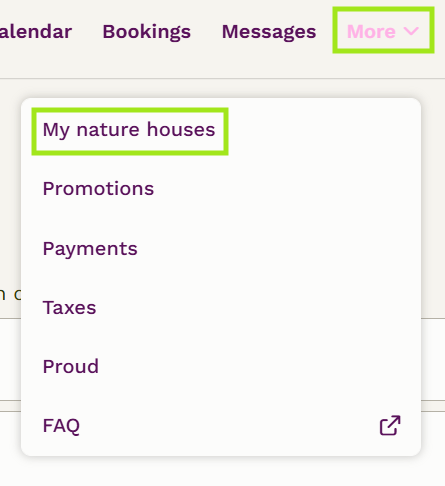
1. In your host overview, click 'More' and then 'My nature houses'
2. In your host overview, select 'Bewerken' for the relevant nature house.

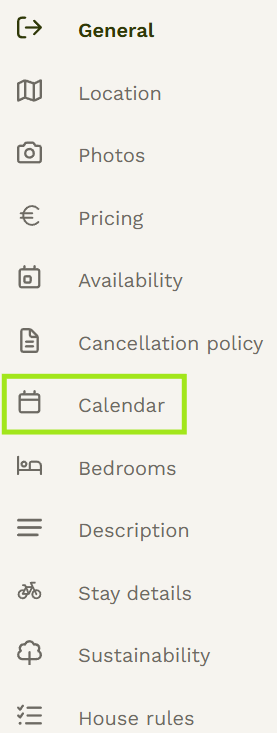
3. Click 'Calendar' in the menu on the left.
! Please note: Do you have a connection with a channel manager via OpenGDS or Smoobu? Then you manage your calendar through your channel manager.
The calendar is split into two parts. If 'Availability' is purple, you can block and unblock periods. If 'Configuratie' is purple, you can view and adjust custom settings (such as different prices).
The statuses in the calendar
Available (white): a possible arrival day for guests. Your base price applies here.
Booked (green): this day is reserved for a booking. Click it to go straight to the details.
Requested (dashed purple): this is a booking request. You still need to approve or decline it.
Blocked (red): this night has been manually blocked. Click it to see why, and to adjust or remove the block.
Synced (blue): a block coming from an iCal connection or channel manager. Want to release this period again? Do that through your channel manager or contact us.
Configuration (yellow): a different price or availability applies to this arrival day; your base price does not apply.

Blocking a period
! Please note: From now on you block nights. In the old calendar you blocked arrival days.
Can't or don't want to rent out a period? Then block it as arrival days:
1. Make sure the switch above the calendar is set to 'Availability'.
2. Click the start date. The selected day turns red.
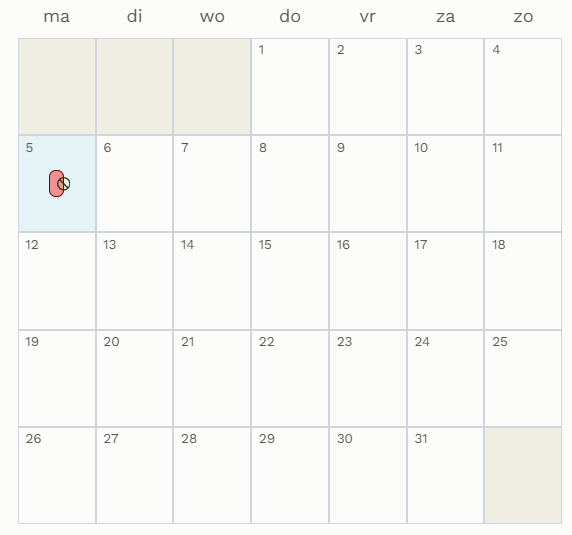
3. Click the end date. Enter the reason for the block so you'll remember later why you blocked this period.
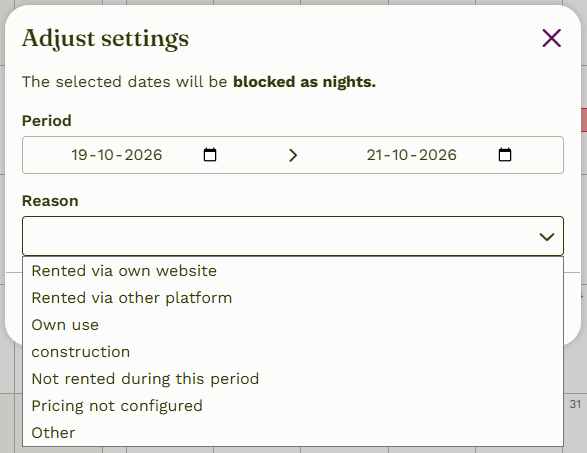
4. Click 'Save'. The period is now blocked.
Unblocking a period
Want to make a blocked period available again?
1. Make sure the switch above the calendar is set to 'Availability'.
2. Click the blocked period in the calendar that you want to release.
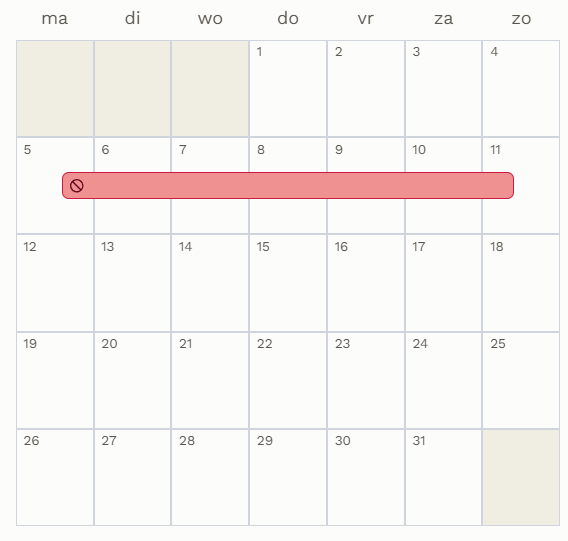
3. You'll now see the period along with the reason for the block. Click 'Delete'. The block is lifted immediately.
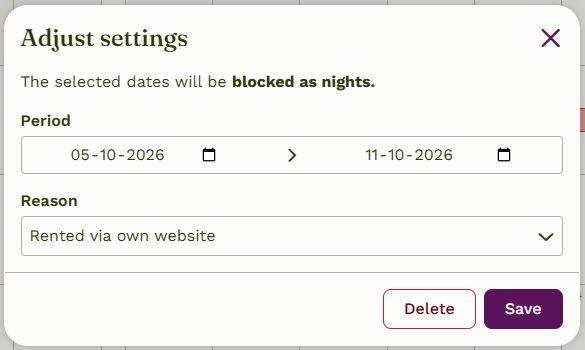
Your base price applies again to the released period, unless you had previously set a different price for it. If that's the case, you'll see it when you click 'Configuratie' in the calendar.
Want to set a different price, length of stay, and/or arrival/departure days? Check out the FAQ 'How do I add custom settings to the calendar?'.